Appearance
指定瀏覽器做 E2E
javascript
export default defineConfig({
  /* Configure projects for major browsers */
  projects: [
    {
      name: 'chrome',

      // https://github.com/microsoft/playwright/blob/main/packages/playwright-core/src/server/deviceDescriptorsSource.json
      use: { ...devices['Desktop Chrome'] },
    },
  ],

});
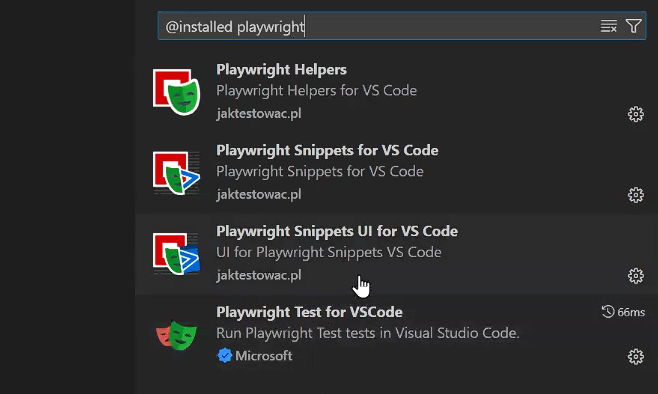
Vscode extension
指令
- npx playwright test Runs the end-to-end tests.
- npx playwright test --ui Starts the interactive UI mode.
- npx playwright test --project=chromium Runs the tests only on Desktop Chrome.
- npx playwright test example Runs the tests in a specific file.
- npx playwright test --debug Runs the tests in debug mode.
- npx playwright codegen Auto generate tests with Codegen.
bash
npx playwright codegen --viewport-size "1280, 720" --lang "zh-TW" "https://demo.playwright.dev/todomvc/#/"bash
npx playwright test --headed demo --project=chromium模擬特定的 HTTP 狀態碼。
使用 route 方法來攔截網路請求,並模擬特定的 HTTP 狀態碼
其他
滑鼠懸停不能錄製
await page.getByTestId('todo-title').hover();
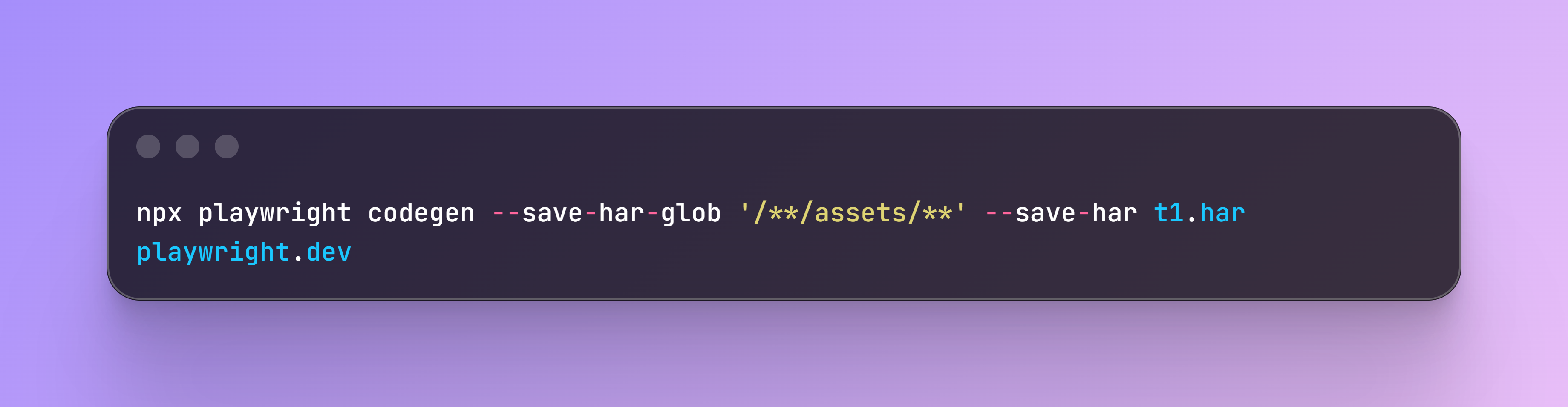 模擬正式 http request,可以 mock (因為沒有找到請求會自動去 har 裡面找到請求)
透過 docker 跑自動化測試,模擬資料庫環境
playwright 可以載入 chrome extension
chrome dev tool cdp 自動化前端效能分析
Safari 底層 webkit